
Sharp eyes on every ECU.
Ecuhawk is the AI-powered ECU test bench. Trace, test, diagnose and control your whole bench from one app, on Windows or Linux, with the CAN adapter you already own.

Where it hurts today
Five moments every test team knows too well.
If you test ECUs for a living, you have probably lived through at least one of these this month.
"We can afford one licence. We have six engineers."
Full test tools cost several thousand euros per seat, before add-ons and yearly fees. Everyone else queues for the one PC that has it.
"Our rigs run Linux. The tool doesn't."
Linux benches and CI pipelines get a second, home-made toolchain that nobody owns.
"New power supply? That's a week of driver code."
Every new supply, load or relay box means reading a 200-page manual and writing glue code by hand.
"We have to buy their adapters too."
The software only talks to one vendor's interfaces, so changing tools means changing hardware.
"The operator calls an engineer for every fail."
Test screens are built for experts. People on the line cannot tell what failed or what to do next.
Ecuhawk fixes all five in one app.
See the difference →Today vs with Ecuhawk
| Task | Today | With Ecuhawk |
|---|---|---|
| Writing a test | Learn a special scripting language | Describe it in plain English, AI drafts it |
| Adding a power supply | Days of driver code | Upload the manual, ready in minutes |
| Building a panel | Draw every gauge by hand | Start from a photo of the real panel |
| Platform | Windows only | Windows and Linux |
| Hardware | The vendor's adapters only | The adapters you already own |
| On the production line | An engineer at every station | Operators press Start and read PASS or FAIL |
What Ecuhawk does
AI where it saves you hours. Real tools where it counts.
Write test cases in plain English.
Describe what the ECU should do. Ecuhawk AI turns it into a test with steps, limits and timing, ready to review and run. When a test fails, it reads the trace and tells you why.
- Uses your own DBC and diagnostic files
- Every step stays editable
- Failures explained in simple words
Connect new hardware in minutes.
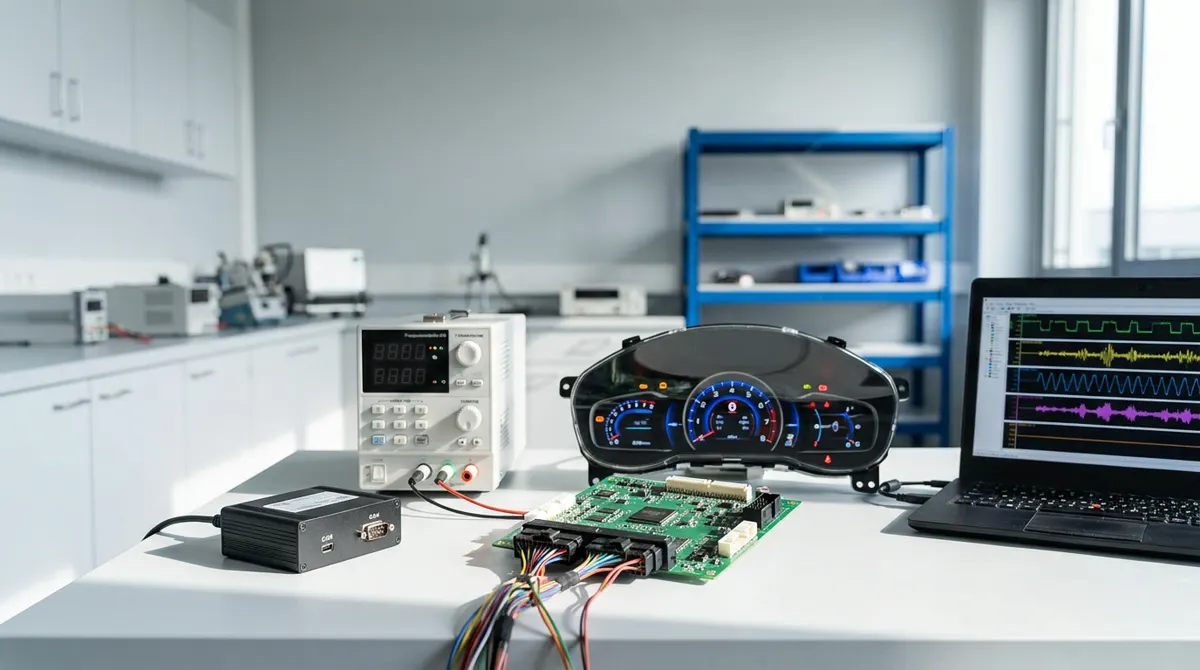
Give Ecuhawk the device manual. AI builds the device model: commands, readings, limits and safe-off. Power supplies, electronic loads, relay boxes and I/O racks become variables you use in panels and tests.
- Any number of devices, any brand
- Hard limits checked before every write
- Already running on real lab supplies and loads
Turn a photo into a live panel.
Upload a photo or drawing of a cluster, a control box or an HMI. AI rebuilds it as a working panel with real needles, arcs, lamps and text. Then you link each one to a signal.
See panel from a photo →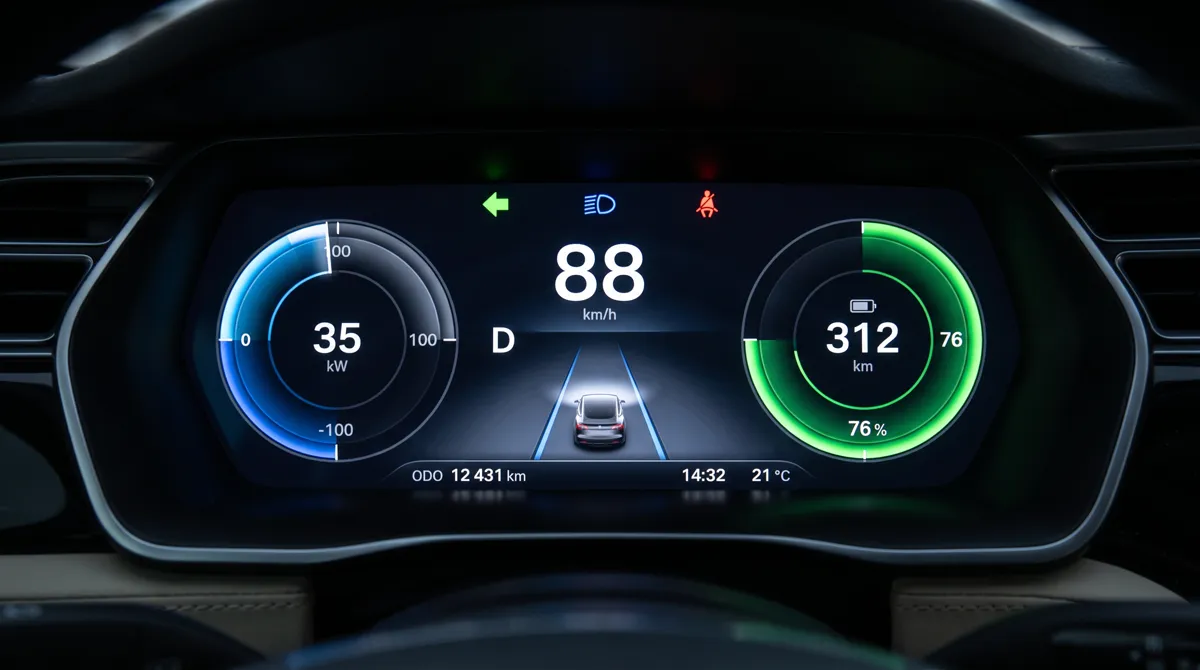
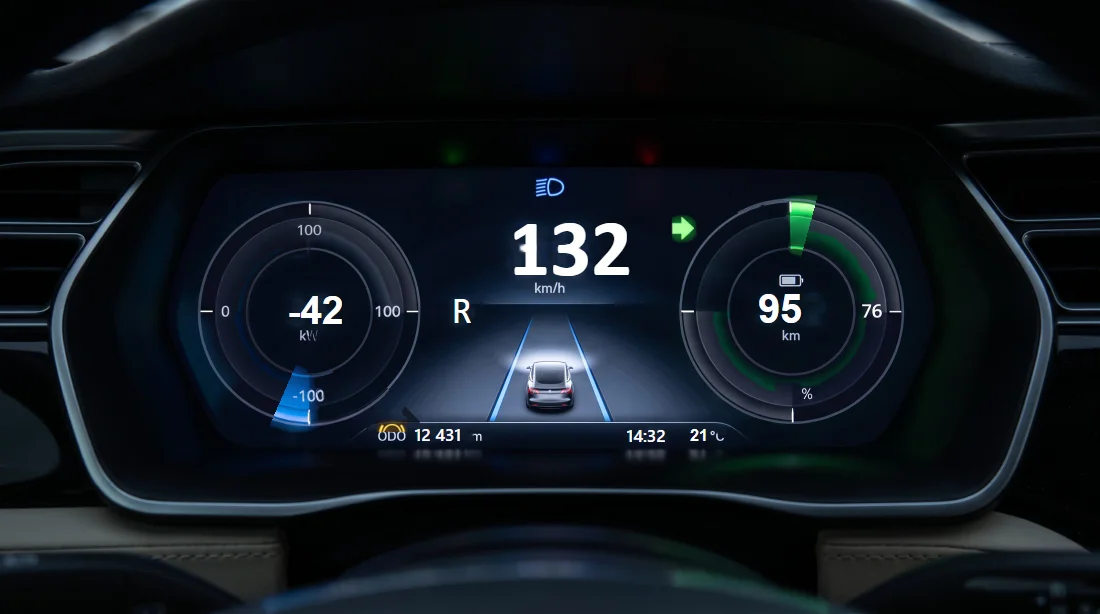
Multi-page panels for the whole bench.
Build screens with navigation, sub-panels and over 30 controls. Pop them out across monitors, run them in kiosk mode, and put a Python script behind any button.
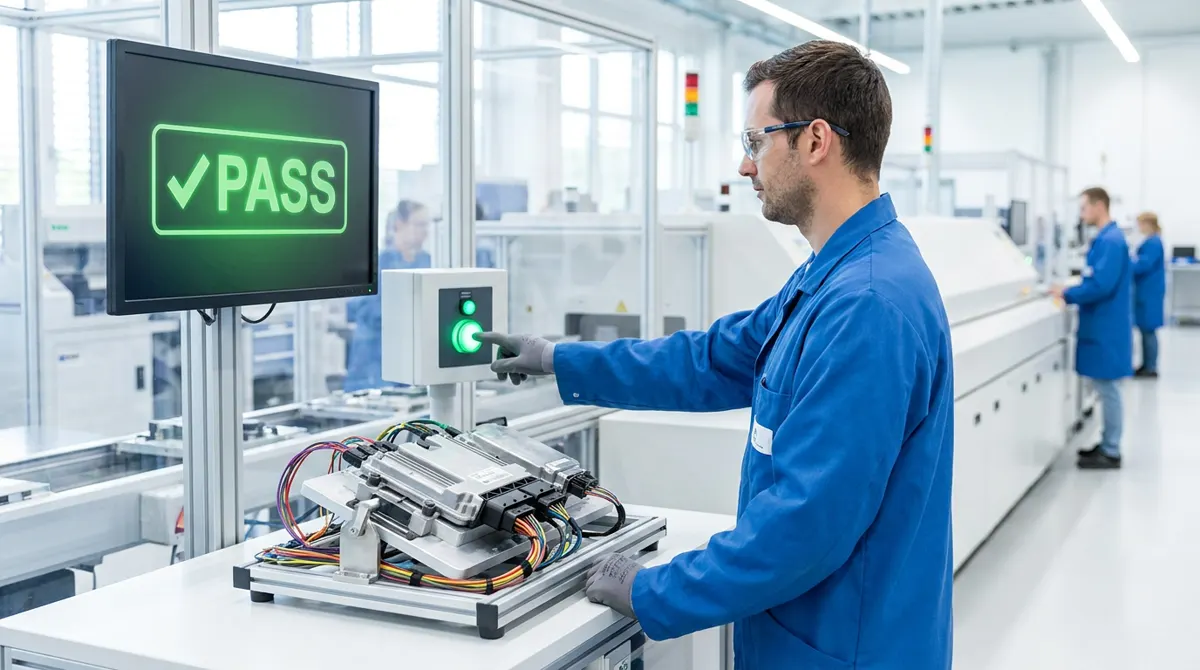
Engineers build it once. Anyone can run it.
Operator mode gives line workers and service technicians one big Start button, clear step-by-step prompts and a full-screen PASS or FAIL. Nothing can be changed by mistake.
- Scan the serial number, press Start
- Report saved automatically
- Runs in a locked kiosk window
From the lab bench to the production line
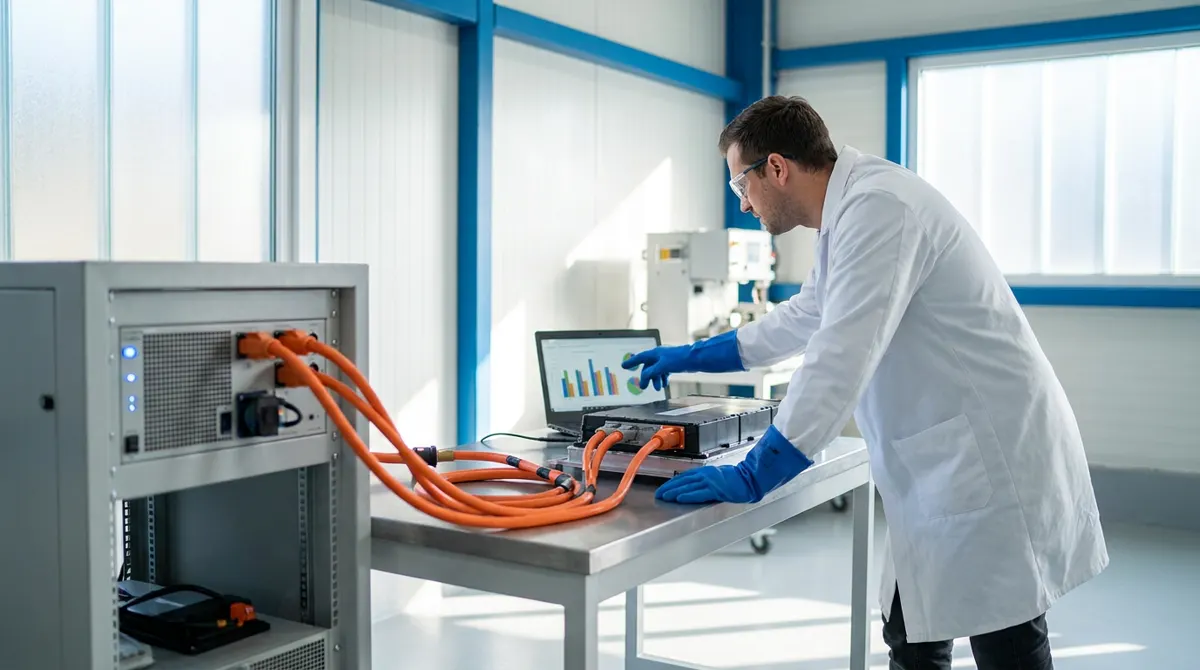
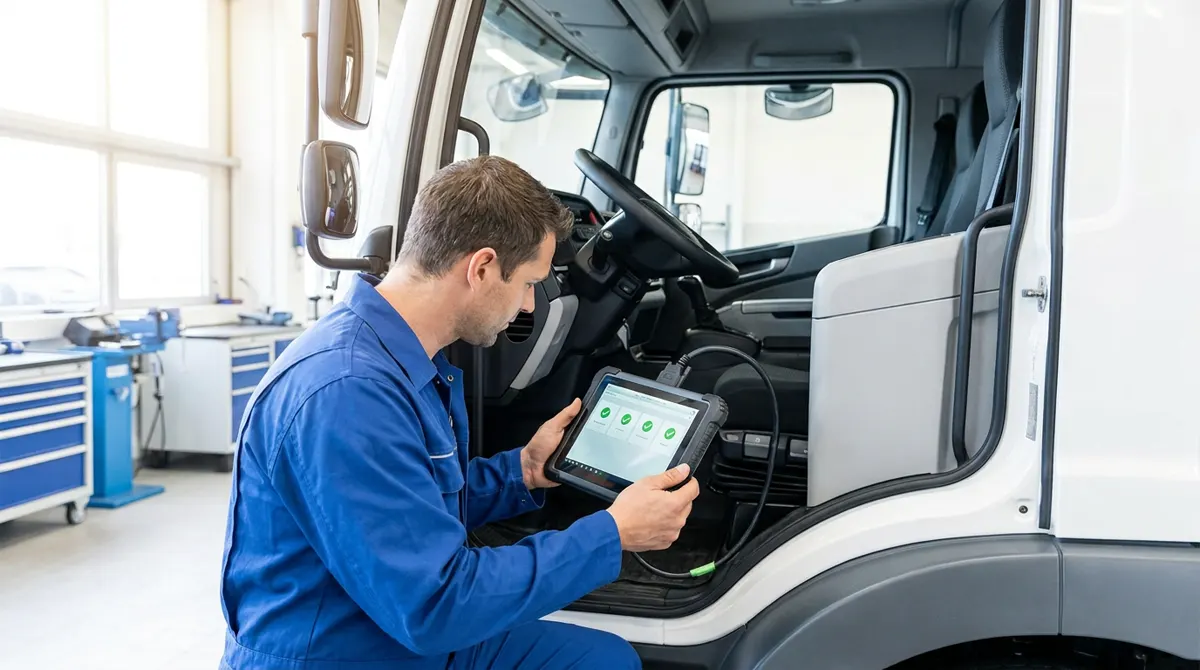
One tool for development benches, end-of-line stations, EV battery labs and service tools in the field. Watch the real app run a bench.
The basics, done properly
Before any AI, a test tool has to be a good bus analyser. These are the windows engineers use every hour, and they are all built.
Trace with pause
Freeze the view while capture keeps running. Chronological or fixed-ID view, DBC decoding, signals in place, search with F3, copy rows.
Filters
Capture and view filters by ID, channel or name, so you see only what matters without losing data.
Graphs and cursors
Multi-lane signal plots, two measurement cursors with Δt and frequency, zoom, fit, and undo for the view.
Data and watch
Live values as numbers, bars, gauges or bits, in physical, raw, hex or binary.
Statistics and bus load
Min, max and mean per signal, frame rates, bus load, error counters and controller state.
Logging and offline analysis
Record to BLF, ASC and MF4 with triggers. Open logs later, merge files, step frame by frame and export the part between cursors.
Send and replay
Send single or cyclic frames, replay a log back onto the bus, and simulate missing ECUs from a DBC.
Calculated signals
Formulas, low-pass, moving average, peak, rate of change and integrals as new signals you can plot and test.
And everything a test bench needs
Bench control
Power supplies, electronic loads and relays as signals, with safe-off on any failure.
More →Simulation
Virtual ECUs and rest-bus from DBC, ARXML, LDF. FMU, DLL and Simulink models.
E2E and fault injection
CRC and counters, timeouts, corrupted frames on demand.
HTML and PDF reports
Every run documented with measured values, limits and plots, plus JSON data.
More →J1939, flashing, XCP
CAN FD and LIN in beta. Trucks, reprogramming and calibration next.
Status →Who it is for
EV and BMS teams
Two-wheelers, battery packs, motor controllers and chargers.
ECU suppliers
Clusters, telematics, body and gateway ECUs.
End-of-line and service
Production testers and field service stations.
Labs and colleges
Teaching benches and research rigs.
White-label and custom tools
Sell Ecuhawk under your own brand, or let us build a dedicated test tool for your product: service testers, end-of-line stations and lab rigs.
- Your name, logo, colours and installer
- Your devices, panels and test libraries built in
- Custom engineering on the same proven engine
Help us decide what comes next
Beta members vote on the roadmap. The most-wanted features ship first.
AI test cases
AI hardware setup
Operator mode
CAN FD and LIN on hardware
J1939 and ECU flashing
Installers for Windows and Ubuntu
DoIP, SOME/IP and XCP
All your benches in one view
More bench device models
Questions
What is Ecuhawk?
Ecuhawk is AI-powered ECU test bench software. It combines CAN trace and analysis, test automation, UDS diagnostics, control panels, power supply and relay control, an operator mode and HTML/PDF reports in one app for Windows and Linux.
Does Ecuhawk have the usual bus analysis features?
Yes. Ecuhawk has a CAN trace with pause, filters and search, signal graphs with measurement cursors, a data window, statistics with bus load and error counters, logging to BLF, ASC and MF4, offline analysis, frame sending, log replay and calculated signals.
Is Ecuhawk available now?
Ecuhawk is in private beta. The public launch is coming soon. You can join the beta list on this page to get early access.
Does Ecuhawk run on Linux?
Yes. Ecuhawk runs on Windows 10, Windows 11 and Ubuntu 24.04, including SocketCAN interfaces on Linux.
Which CAN adapters does Ecuhawk support?
Ecuhawk connects through python-can, so Vector, PEAK PCAN, Kvaser, IXXAT and SocketCAN adapters can be used. A Vector VN1630 has been tested on a real ECU bus, and other adapters are being tested in the beta. See the supported hardware page.
Do I need to learn a special scripting language?
No. Tests and panel logic use Python, and Ecuhawk AI can draft test cases from a plain-English description.
Is Ecuhawk an alternative to Vector CANoe?
Ecuhawk covers many of the same daily tasks as CANoe, such as trace, diagnostics, panels and test automation, and adds Linux support, AI test drafting and an operator mode. CANoe remains broader for large OEM programmes. See our comparison page for details.
How much will Ecuhawk cost?
Pricing is not published yet. It will be a per-seat licence with options for test stations, offline labs, white-label builds and custom engineering. Beta members hear about pricing first.
Does Ecuhawk send my ECU data to the cloud?
No. Your project files stay on your machine and there is no Ecuhawk cloud in between. If you use a cloud AI model, only what the AI's tools return goes to the provider you chose. All non-AI features work offline.
Join the private beta.
Tell us how you test today. It takes about a minute. Beta members get early access, a vote on the roadmap and a direct line to our engineers.
Become a design partner
Run Ecuhawk on your own bench before launch and shape it with us. We are taking five teams.
Prefer email? hello@ecuhawk.com